PHASE 1 – CHOOSING, EXPLORING AND MAPPING THE DOMAIN
1. Human-centered Google Cardboard application design
1.1 What is Google Cardboard
This semester, I chose a course called Virtual Reality and Augmented Reality. In one assignment for this course, the teacher gave each of us a VR device called Google Cardboard.
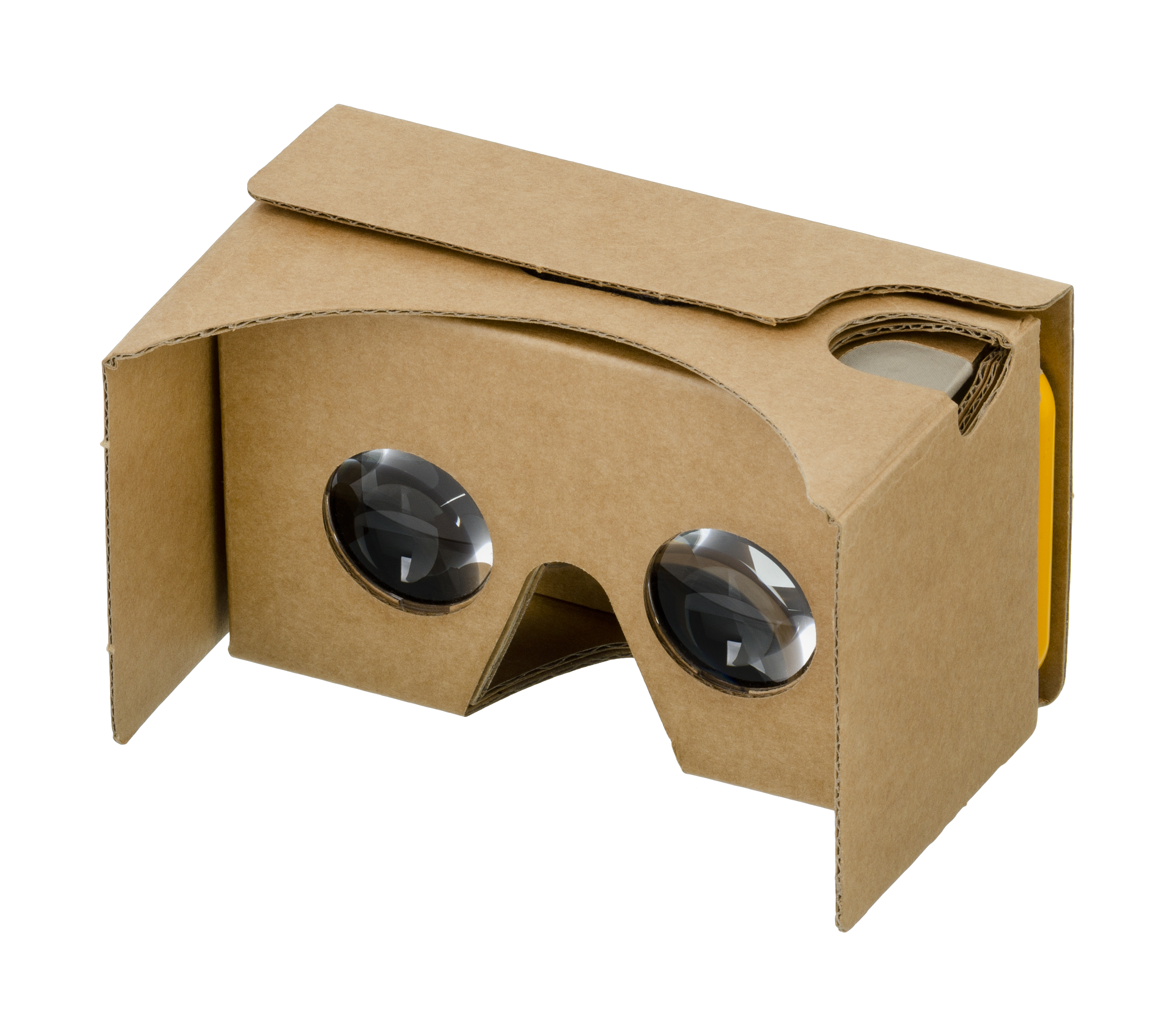
Google Cardboard Prototype
Google Cardboard is a very cheap VR display (HMD). It costs less than $10. This is almost inconceivable compared to those expensive VR devices that cost hundreds of thousands of dollars.
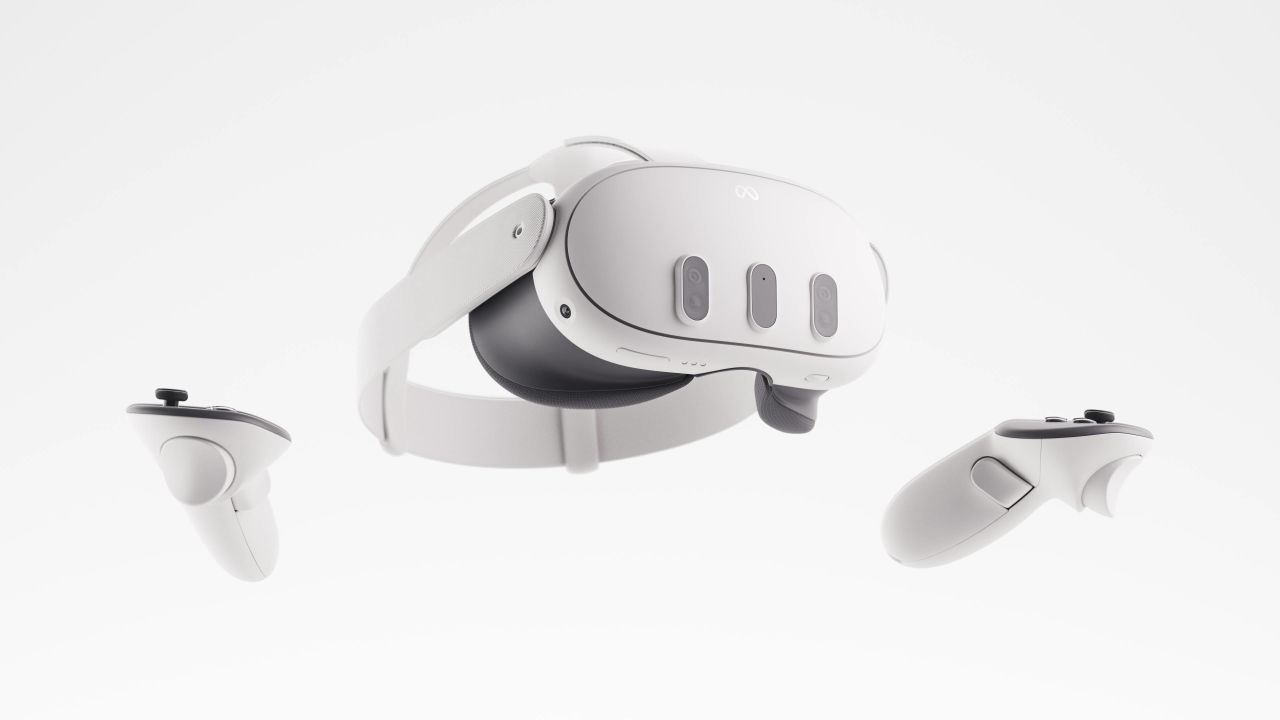
Meta Quest 3 $499
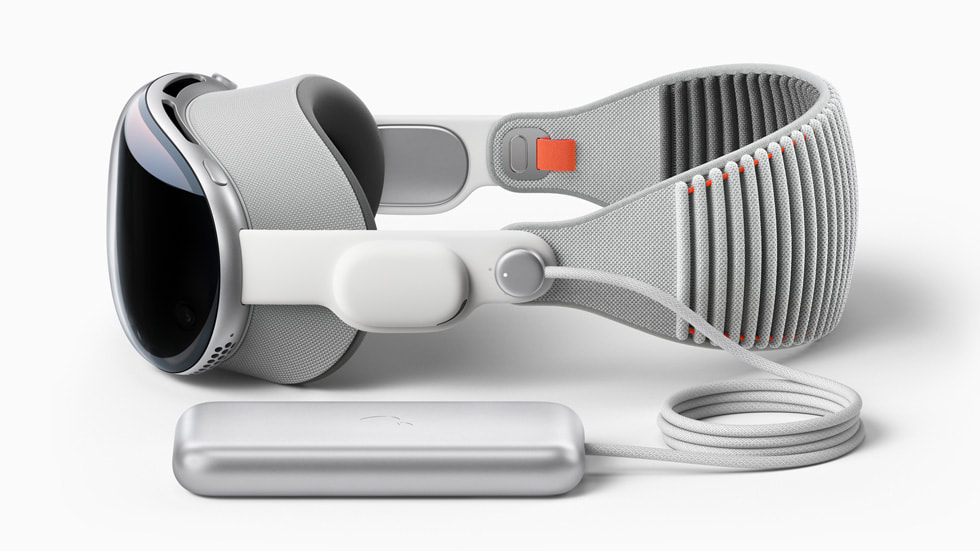
Apple Vision Pro $3499
Google Cardboard (hereinafter called GC), as its name shows, is built almost entirely from cardboard, with two additional lenses mounted on top. Users need to use GC with their phones. They first need to download the specific GC app on their phone, launch it, and plug it into the GC.
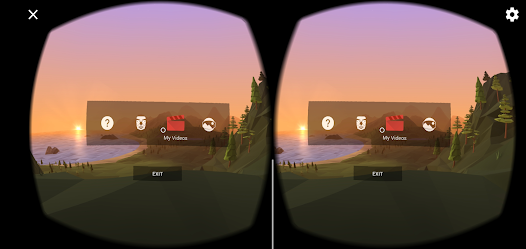
Screenshot of “CardboardApp” on iPhone

1.2 Google Cardboard and Traditional VR Devices
Before using GC, I had experience with other VR devices. Like Hololen2 or Oculus Quest2. I admit that these devices are far superior to GC in terms of picture quality and interaction. But they have several drawbacks
- The price is very expensive, but the application scenario and ecology are still limited. They only have basic operating systems and browsing capabilities, and there are still very few games for the VR AR platform.
- It’s hard on the brain. Under normal use, these devices are very heavy and can easily cause vertigo. It’s almost impossible to wear it on your head for more than two hours.
- Not good for carrying. The volume of the equipment is very large. And they are quite power-hungry, requiring frequent recharging. It is difficult to carry on daily trips.
GC has obvious advantages over traditional VR devices.
- The price is so cheap that almost any family can afford to buy it for $10
- Easy to carry, GC is small and light and can be carried almost everywhere. Mobile phones are already essential in daily life, so it is almost equivalent to carrying VR devices when traveling.
- Easy to develop, GC’s app is directly deployed on the daily use of Android and iPhone operating systems, and the development efficiency is very high.
1.3 UX Research Focus
Based on these factors, I decided to focus this UX Research on the design and development of a human-centered Google Cardboard App. I plan to explore how GC can optimize people’s experience in terms of input systems, interactions, and product design and develop some apps to verify my design ideas.
Right now my rough target is
- Understand common GC use cases
- Understand stakeholders that can unlock the value from GC
- Existing advantages and disadvantages of GC
- the interactive experience can be improved by using GC
- More in-depth and interesting interaction design for GC and VR
2. Mess Map
It is difficult for UX designers to have a specific and clear direction during the current brainstorming phase. Based on this, I first made some initial mess Maps. In Phase 2, I will conduct a series of studies to enrich the Mess Map and clarify the design direction.

Mess Map about Google Cardboard